Surface shaders
Vertex snapping, affine warping, PBR, and stepped lighting.
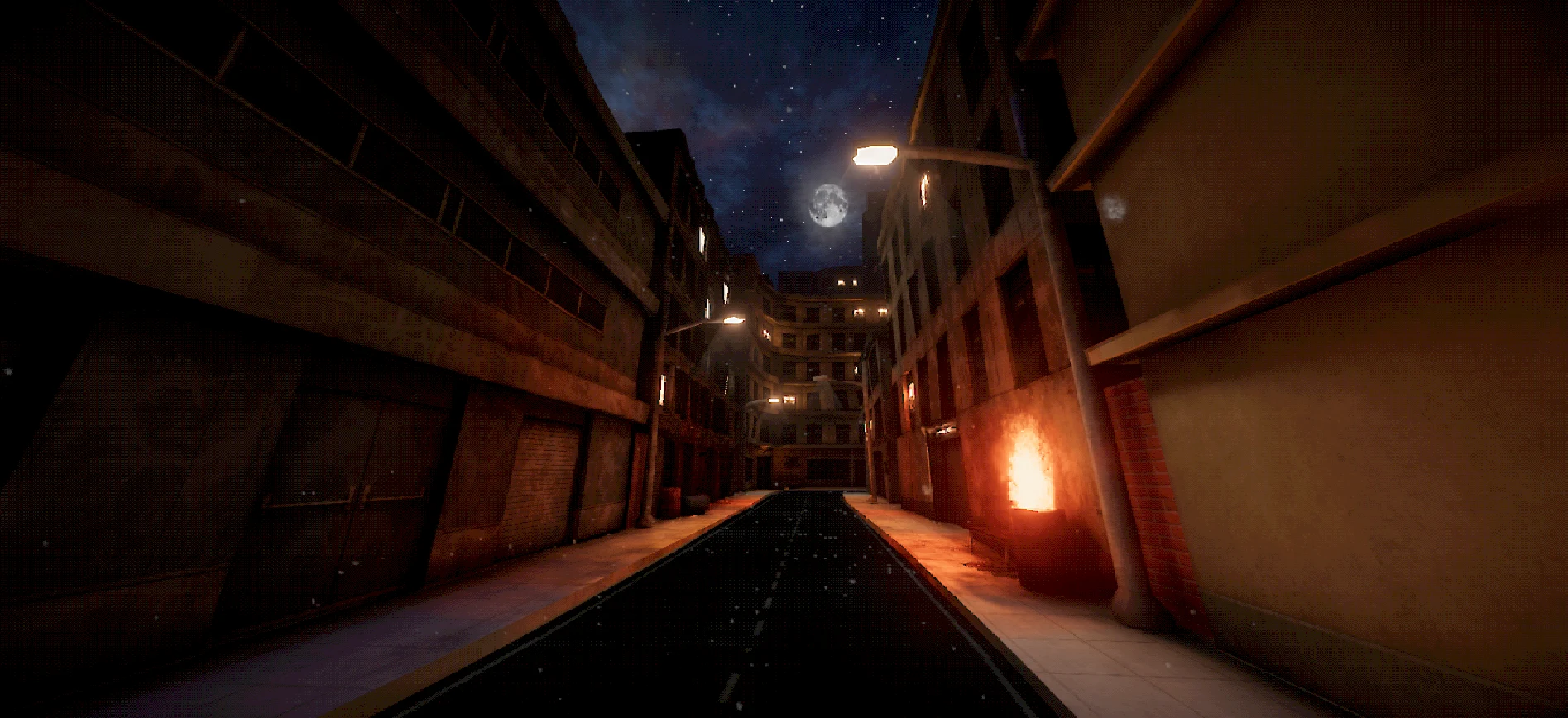
Retro rendering for Unity
Build PSX-inspired worlds in Unity with vertex snapping, affine texture warping, and a complete set of material tools. Works with Built-in and URP.
One suite. A whole world.
Vertex snapping, affine warping, PBR, and stepped lighting.
Terrain and foliage in the same visual language as your materials.
Fire, particles, distortion, and decals.
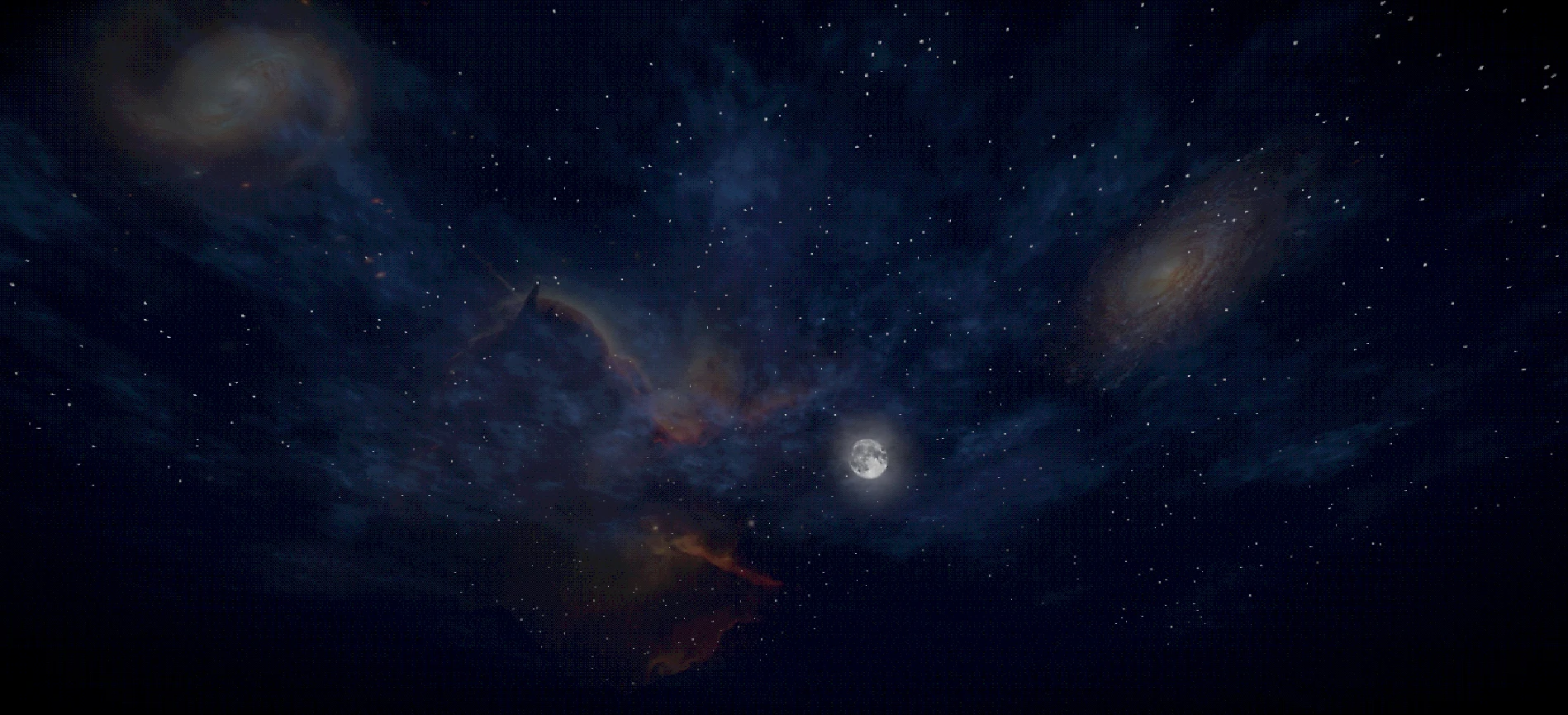
Sky gradients, clouds, stars, and celestial controls.
01 / The toolkit
Shape the look per material. Carry it across your whole scene.
Vertex snapping, affine warping, stepped lighting, and color posterization. Tuned per material.
One set of shader assets for Built-in and URP. Unity selects the matching shader automatically. HDRP is not included.
Surface, foliage, terrain, particles, decals, and sky share one visual language.
Shared presets, material diagnostics, and batch editing keep your project consistent.
02 / In the editor
Shape your scene with effects and sky that belong together. Keep the materials behind it under control.
Particles & decals
Bring fire, particles, distortion, and decals into the same visual language as your materials.
Procedural sky
Set the hour and the mood with sky gradients, clouds, stars, and celestial controls.
The Material Manager
A dedicated workspace for keeping a growing collection of materials consistent.
03 / Field notes
Before you build
Yes. The same CrowPSX shader assets work in Built-in and URP. In URP, add the CrowPSX renderer features for outlines and depth-volume decals, and enable Opaque Texture for Grab Distortion.
CrowPSX creates its retro look through shaders, geometry, and materials. For full-screen pixelation, dithering, or CRT effects, combine it with a camera post-processing solution.
Requires Unity 2022.3 LTS or newer with Built-in or URP. Tested on Unity 2022.3, 6.0, 6.3, and 6.6. See the compatibility guide for renderer setup and version details.
Yes. CrowPSX supports stereo-stable vertex snapping with separate VR controls for snapping and affine warping. See the VR setup guide for supported rendering modes and pipeline requirements.
Make something that stays with you
Build your retro look with materials, terrain, foliage, particles, and a sky that belongs to your world.